
Give shoppers a reason to check out now
Carts don't convert because there is no cost to waiting. A countdown tied to a real deadline — sale end, shipping cutoff, reservation window — changes the math.
With and without a deadline
Without CornerCart
With CornerCart
How it looks
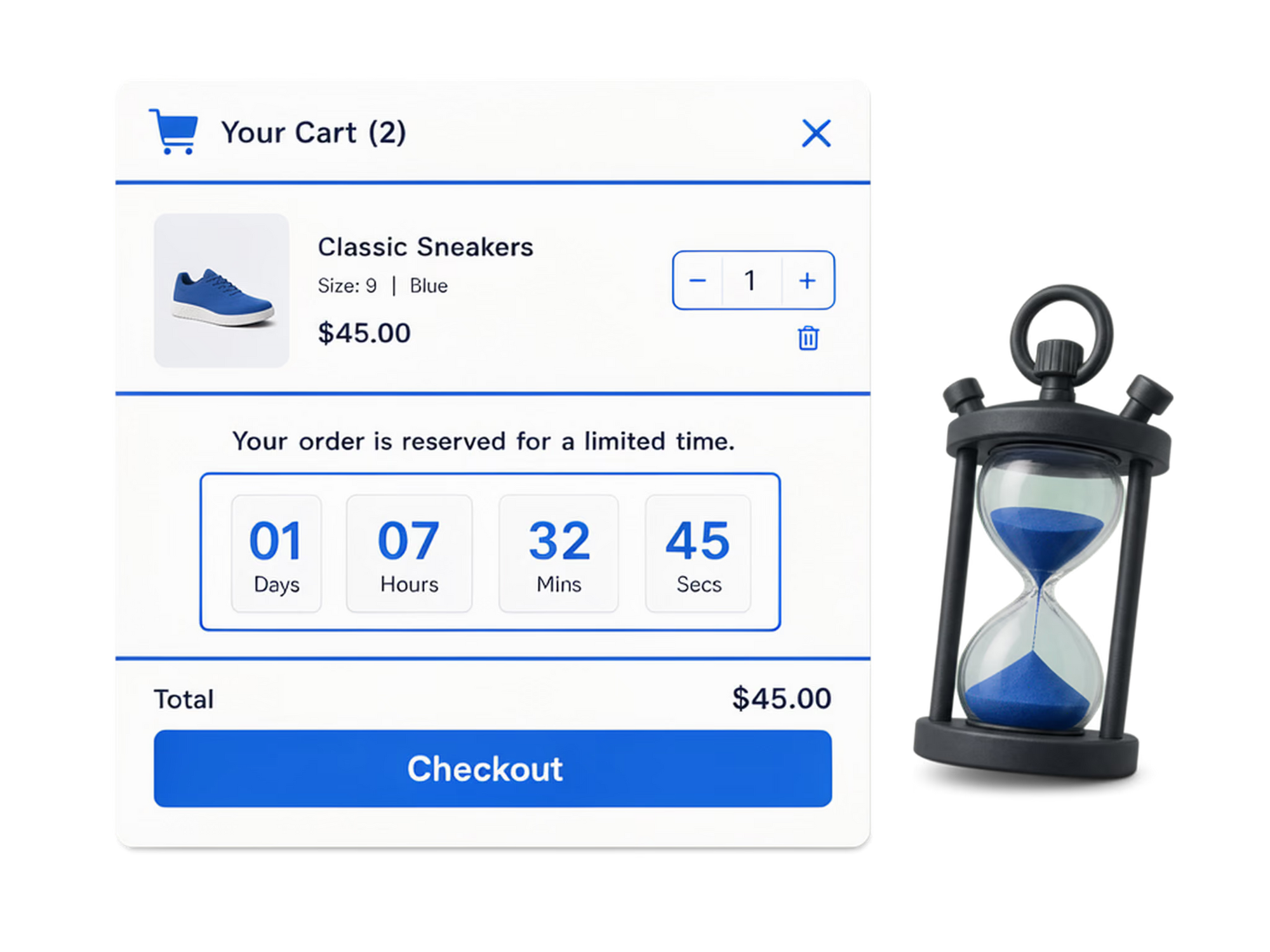
A deadline shoppers can see
The timer sits in the announcement bar or cart drawer, counting down to your campaign's end. When it hits zero the campaign — and the timer — end together.
Set it up in minutes
No code, no theme changes. Everything happens in the CornerCart dashboard.
Create a campaign with an end date
The countdown reads its deadline from the campaign schedule.
Add the timer block
Place it in the announcement bar, the cart drawer, or both.
Style and publish
Match colors and copy to the promotion. The timer starts immediately.
What merchants typically see
+5–12%
cart-to-checkout rate
during timed promotions
Auto
timer ends with campaign
Per market
different deadlines
via Shopify Markets targeting
Frequently asked questions
Is the countdown real or a fake evergreen timer?
Real. It reads the end date from your campaign schedule. When it reaches zero, the promotion actually ends.
Can I show different timers in different countries?
Yes. Campaigns target Shopify Markets, so each market can have its own promotion and deadline.
Where can the timer appear?
In the sitewide announcement bar, inside the cart drawer, or both at once.
Put this use case to work on your store
Install CornerCart and set it up in minutes. No code required.


