
One bar for every announcement
Free shipping, the spring sale, the new drop — you always have more to say than one static line. CornerCart's announcement bar rotates messages and schedules itself.
Static banner vs. campaign-driven bar
Without CornerCart
With CornerCart
How it looks
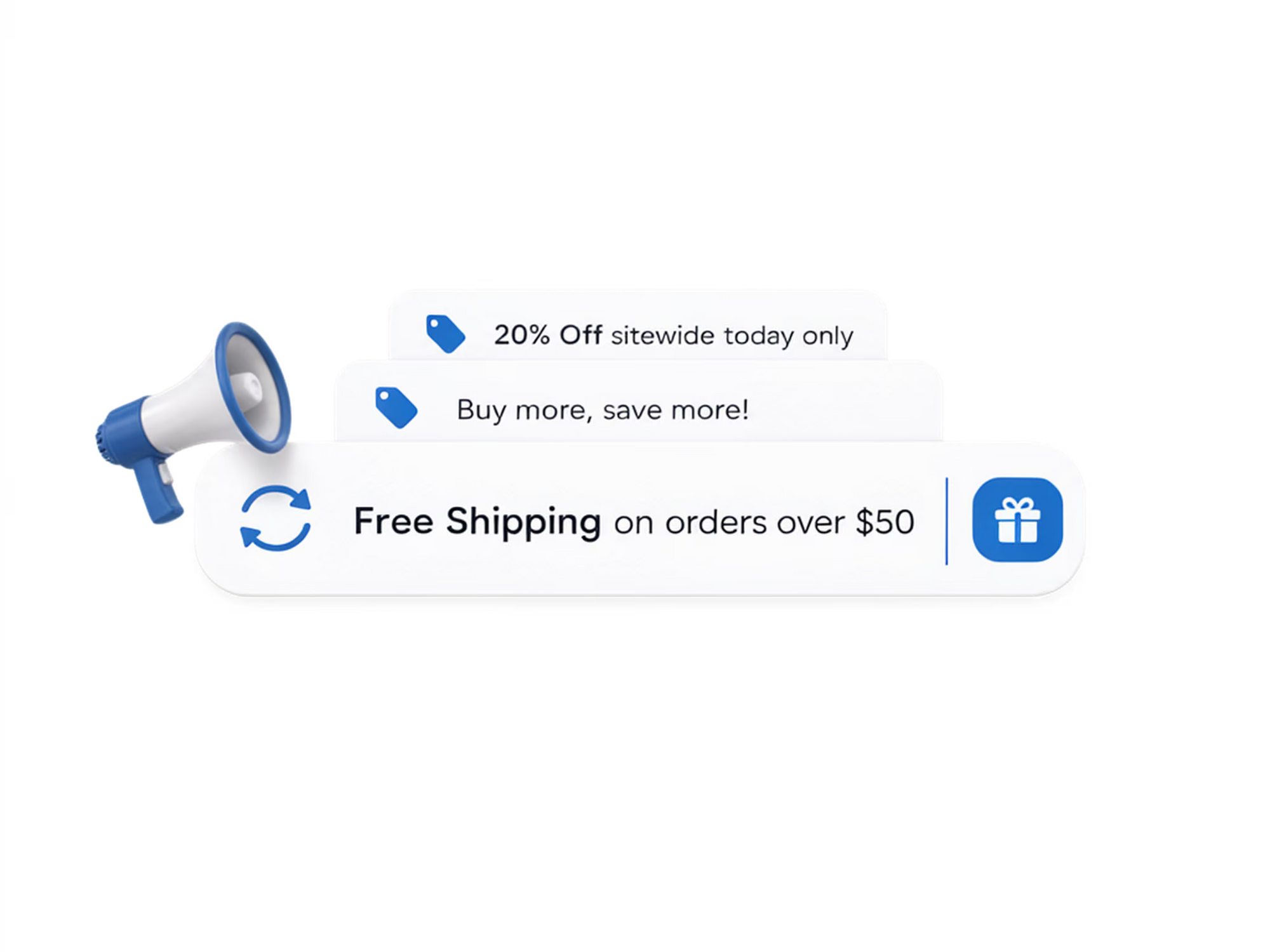
Rotating messages, one bar
Each message is a campaign: it has its own schedule, targeting, and content. The bar shows whatever is active right now — nothing to remember, nothing to clean up.
Set it up in minutes
No code, no theme changes. Everything happens in the CornerCart dashboard.
Create announcement campaigns
Write each message, add links or emphasis with HTML if you like.
Set targeting and schedule
Sitewide or specific pages, all markets or some, always-on or dated.
Publish
Active messages rotate in the bar. Expired ones disappear on their own.
What merchants typically see
3–5
messages in rotation
without stacking bars
0
forgotten stale banners
campaigns expire on schedule
Per market
localized messaging
Frequently asked questions
Can the bar show different messages on different pages?
Yes. Campaigns can target the whole storefront, specific pages, or just the cart drawer.
Will it clash with my theme's existing announcement bar?
Disable the theme's bar and let CornerCart's replace it — one bar, rotating messages, no stacking.
Can messages be translated?
Yes. Message content works with Shopify's translation workflow and market targeting lets you run per-language campaigns.
Put this use case to work on your store
Install CornerCart and set it up in minutes. No code required.


